Working in a government agency or institution, keeping track of news and analysis in your area of expertise can be challenging due to the high volume of information constantly coming through. Combine this with the time-consuming effort of media monitoring, reflection on community opinions, and collection of social media mentions of organizations, topics, and public figures you support with your work, and you get a near-impossible to manage chunk of content daily.
Automating content discovery is a great way to save time and ensure you never miss important updates while filtering out the noise. Once the information your team needs is ready to consume and distribute, you can use Inoreader to guarantee it reaches the right people instantly with just a couple of clicks.
Setting up your Inoreader engine
For individuals
All Team members enjoy the benefits of an Inoreader Pro plan. These include monitoring websites and keywords, setting up Google News feeds*, following Facebook and Reddit feeds, and organizing content with tags, annotations, and spotlights.
*Limitations may apply to Google News feeds.
- Step 1Use Inoreader’s search engine to scout public sources
Follow websites, blogs, and journals covering the topics of your professional interest. To ensure you don’t miss out on important updates, you can also track specific keywords and set up Google News feeds for your organization, important people, or trending topics in the public discourse. Throw in some social media feeds (Facebook, YouTube, or Reddit), and you’re good to go!
- Step 2Organize your feeds and articles
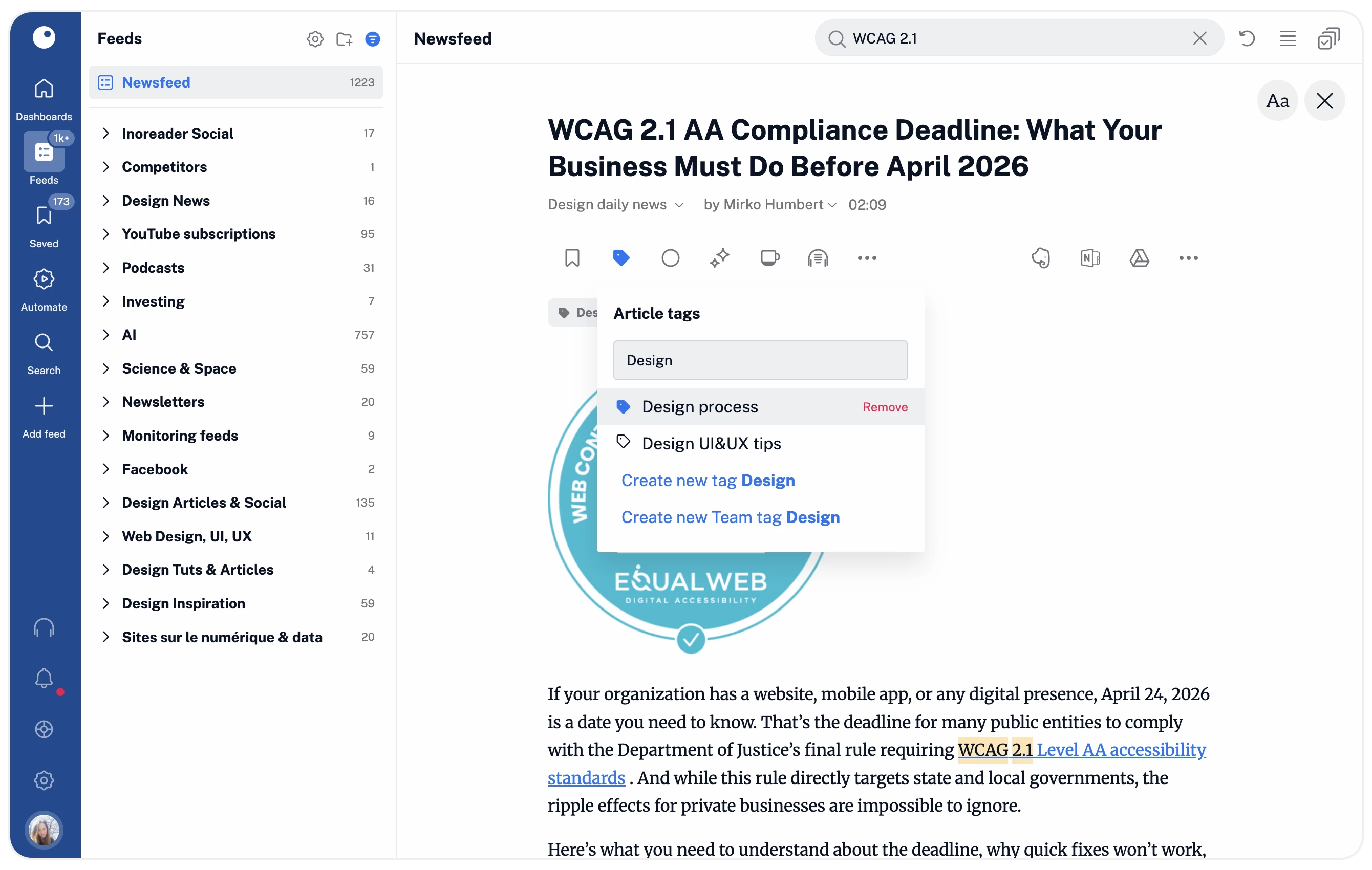
Once you’ve added the primary sources of information you want to follow, you can optimize how you discover their content by grouping feeds into folders and arranging them in custom dashboards. For a more in-depth distinction, you can assign tags to different articles, save them to read later (even outside Inoreader), and leave annotations to return to. Combining this with spotlights that make certain phrases pop out in texts, you’ll never miss out on essential pieces of information again.
- Step 3Automate content discovery and reporting
If part of your job is keeping track of public mentions and sending out reports based on your findings, Inoreader can do most of this work for you. Use filters to define what to keep and what to ignore, then combine them with rules to automate the process of sorting content out (for example, put all articles matching certain conditions in a separate folder and send a weekly email digest with the new pieces from this folder to chosen recipients).
- Step 4Start building an archive
After reporting to internal and external stakeholders, maybe you’d like to keep some of the information you have collected in an archive. You can load the full content of articles in Inoreader to print (if your archive is analog), save as PDF files (if you prefer collecting documents), or export to Google Drive and Dropbox. To make it even easier, we have enabled multiple select that allows the execution of bulk actions on multiple articles simultaneously.
Combined with the ability to search for keywords in different languages, translate articles and keep their modified versions forever, these options make Inoreader an unmatched companion to anyone working in public relations and government institutions.
After completing these steps, you will